
The Android Phone Overheating Issue: Why It Happens and How to Fix It
It is a frustratingly common scene: you’re in the middle of a navigation route, a high-stakes mobile game, or a simple video call, and suddenly your device feels like a heating pad. If you are dealing with an Android phone overheating issue, you aren’t alone. From the busy streets of New York to the sun-drenched suburbs of California, millions of users grapple with devices that run too hot.
While it is normal for a high-performance computer—which is essentially what your phone is—to generate some heat, excessive temperature can lead to sluggish performance, app crashes, and even permanent hardware damage. Whether your phone is getting hot while charging, after a recent software update, or during heavy gaming, most of these problems are fixable with a few simple tweaks.
Read more: Android Apps Crashing Repeatedly? 10 Easy Fixes
Read more: Android Phone Slow After Update (12 Proven Fixes)
In this guide, we will break down exactly why is my Android phone overheating and provide actionable steps to get your device back to a safe operating temperature.
Why Is My Android Phone Overheating?
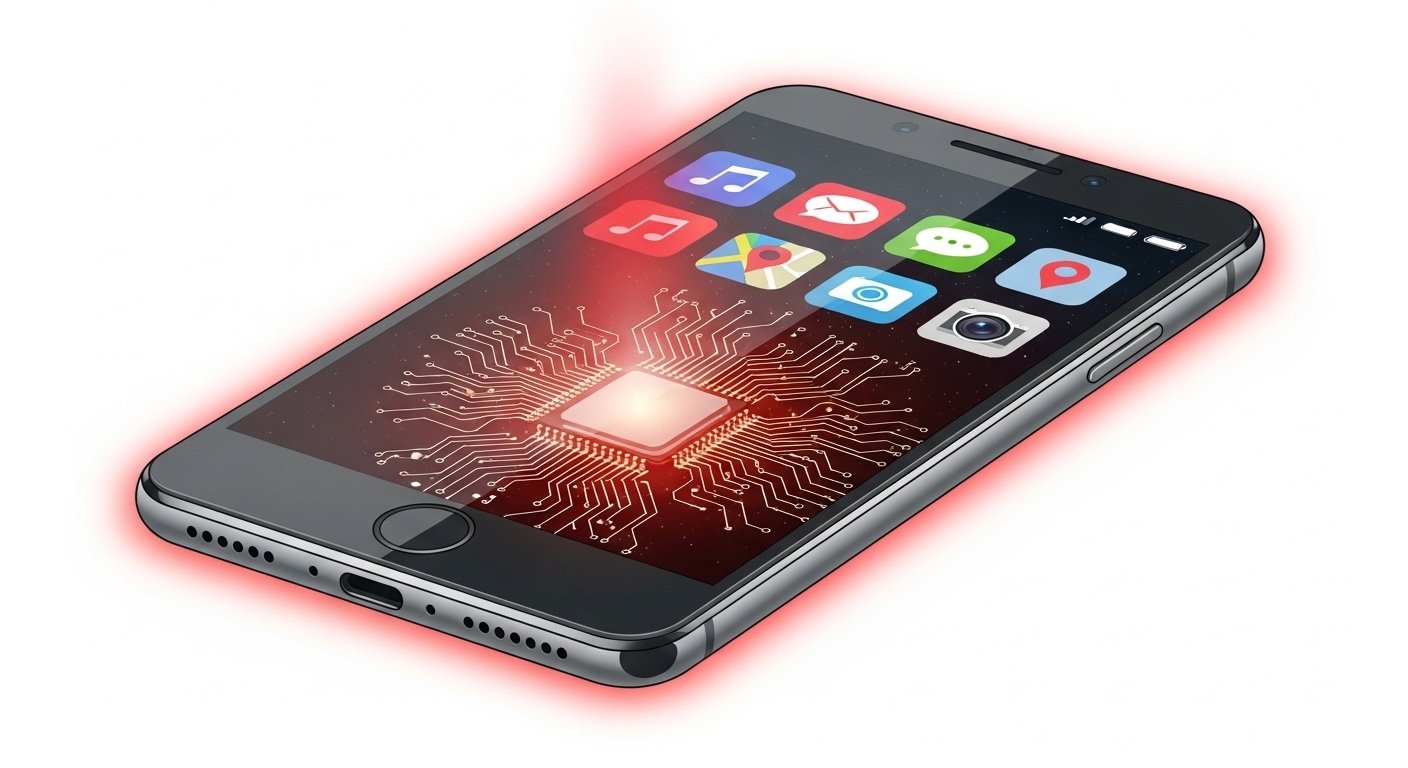
Understanding the root cause is the first step toward a cooler phone. Usually, it isn’t just one thing, but a combination of environmental factors and how you use your device.
-
Heavy Background Processes: Even if you aren’t actively using an app, it might be syncing data, checking for updates, or using GPS in the background, which taxes the processor.
-
High Screen Brightness: Keeping your screen at 100% brightness for extended periods generates significant internal heat.
-
Gaming and Streaming: Resource-intensive tasks like playing Genshin Impact or streaming 4K video force the CPU and GPU to work at maximum capacity.
-
Hot Weather Conditions: In many parts of the USA, summer temperatures can easily exceed 90°F. If your phone is in a car or direct sunlight, it can’t dissipate heat effectively.
-
Faulty or Non-Certified Chargers: Using a “knock-off” cable from a gas station can deliver inconsistent voltage, leading to an Android overheating battery problem.
-
Software Bugs: Sometimes, a poorly optimized app or a glitch in the operating system causes the processor to “loop” a task, creating a spike in temperature.
-
Poor Ventilation: Thick, heavy-duty phone cases are great for drops, but they often act like a thermal blanket, trapping heat inside the chassis.
Android Phone Overheating Fix: Step-by-Step Guide
If your phone is currently too hot to handle, follow these steps immediately to bring the temperature down safely.
1. Remove the Phone Case
The simplest Android phone overheating fix is to let the device breathe. Most phone backs are designed to dissipate heat into the air. A plastic or rubber case interrupts this process. Strip it off for 10–15 minutes.
2. Close All Background Apps
Open your “Recent Apps” menu and swipe them all away. Many apps continue to “ping” towers or refresh content even when you aren’t looking at them, putting a constant load on the chip.
3. Turn Off Unused Connectivity Features
Bluetooth, GPS (Location Services), and Wi-Fi Scanning are major heat contributors. If you don’t need them right now, toggle them off in your Quick Settings menu.
4. Lower Screen Brightness
If you’re indoors, drop your brightness to below 50%. This reduces the power draw from the battery and the heat generated by the display panel itself.
5. Update Your Android Software
Manufacturers frequently release “hotfixes” for an Android overheating after update scenario. Check Settings > System Update to ensure you are running the most optimized version of the OS.
6. Check Battery Health
Over time, lithium-ion batteries degrade. A struggling battery has to work harder to hold a charge, creating more heat. You can use apps like AccuBattery to see if your battery’s health has dipped into the “danger zone.”
7. Restart Your Device
A simple reboot kills “zombie processes” that might be stuck in a high-power state. It’s the easiest way to give your phone’s processor a fresh start.
8. Use the Original Charger
If you notice the heat specifically when plugged in, switch back to the brick and cable that came with your phone (or a certified brand-name replacement like Anker or Belkin).
9. Factory Reset (The Last Resort)
If you’ve tried everything and the phone still runs hot during basic tasks, a factory reset can clear out deep-seated software corruption. Just be sure to back up your photos and data first!
Phone Overheating While Charging – What to Do
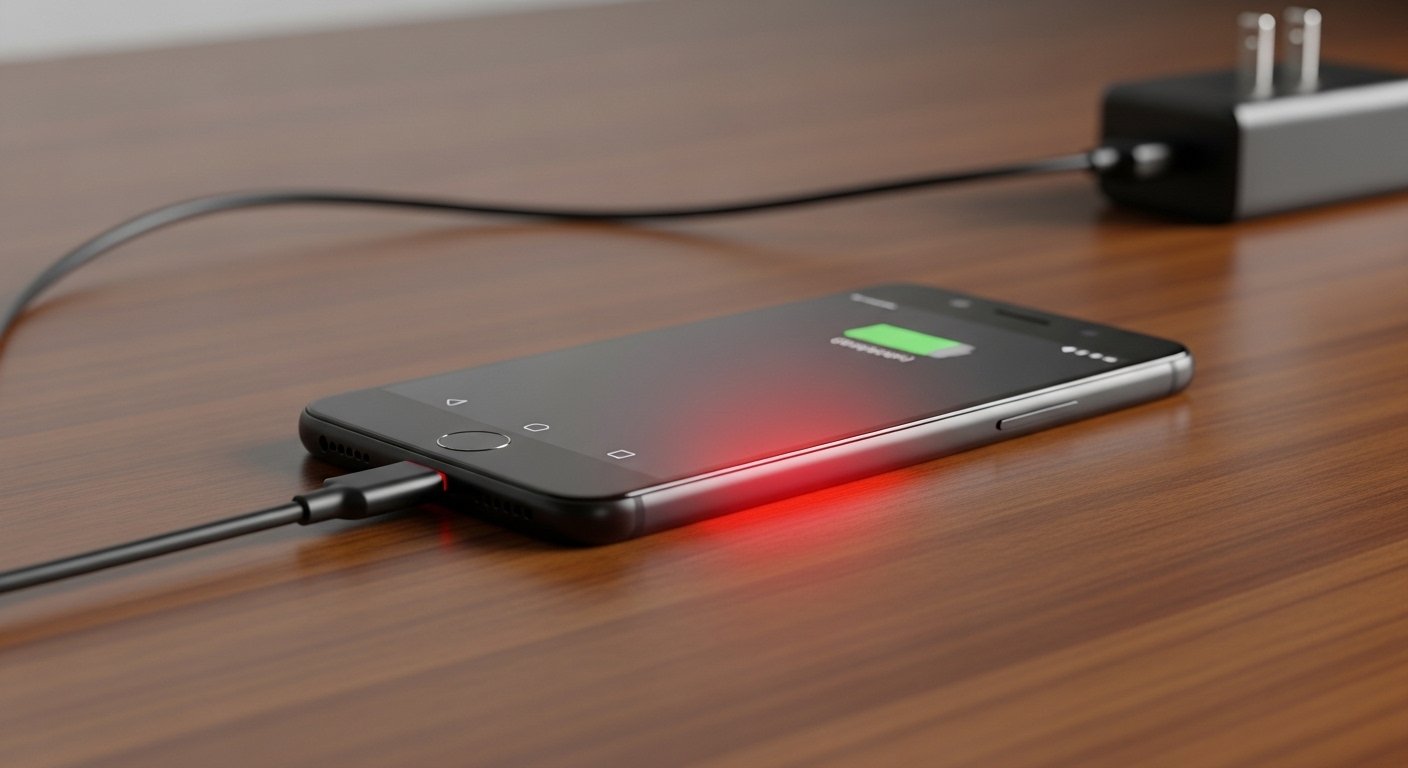
Charging naturally generates heat due to the chemical reaction happening inside the battery. However, if your phone is uncomfortable to touch, try these tips:
-
Avoid Fast Charging in Hot Rooms: Fast charging pushes a lot of current. If the room is already warm, the phone will struggle to stay cool.
-
Don’t “Phone-and-Charge”: Using your phone for gaming or TikTok while it’s plugged in is the fastest way to overheat it. You are simultaneously draining and filling the battery, which creates massive internal friction.
-
Inspect Your Charging Port: Dust or lint trapped in the USB-C port can cause a poor connection, leading to electrical resistance and heat. Use a wooden toothpick or compressed air to gently clean it.
-
Place it on a Hard Surface: Never charge your phone on a bed, pillow, or sofa. These materials trap heat. Use a desk, nightstand, or even a tile floor.
Android Overheating After Update: Is It Normal?
Many users report their phone gets hot immediately after a major Android version update.
Why it happens: Following a big update, your phone works overtime in the background. It is re-indexing files, optimizing apps for the new software, and often downloading “sub-updates” for your various apps.
The Solution: Usually, the best fix is patience. Let the phone sit on a charger for an hour and give it 24–48 hours to finish its background tasks. If it’s still hot after two days, try clearing the “Cache Partition” in Recovery Mode or performing a restart.
When Is Overheating Dangerous?
While a warm phone is usually just an annoyance, there are signs that you have a serious hardware failure:
-
Battery Swelling: If the back of your phone looks “puffy” or the screen is lifting away from the frame, stop using it immediately. This is a fire hazard.
-
Burning Smell: Any scent of chemicals or smoke indicates an electrical short.
-
Automatic Shutdowns: If your phone displays a “Device is overheating” warning and shuts down frequently, the internal components are at risk.
-
Severe Lag: If the phone becomes unusable and slow even after it cools down, the heat may have damaged the processor.
Note: If you experience these symptoms, visit an authorized repair center or your carrier store immediately. Do not attempt to “force cool” the phone in a freezer, as the rapid temperature change can crack the screen or cause internal condensation.
How to Prevent Android Phone Overheating
Prevention is always better than a fix. To keep your Android running cool in the long term:
-
Keep it Out of the Sun: Never leave your phone on a car dashboard or by a sunny window.
-
Audit Your Apps: Uninstall apps you don’t use. Many “free” apps are riddled with ad-trackers that run constantly in the background.
-
Manage Storage: A nearly full phone has to work harder to find and write data. Keep at least 10–15% of your storage space free.
-
Use Battery Saver Mode: If you’re outdoors on a hot day, turn on Battery Saver. It limits background activity and lowers the CPU clock speed, keeping things cool.
📋 Troubleshooting Checklist
-
[ ] Remove case?
-
[ ] Brightness lowered?
-
[ ] Background apps closed?
-
[ ] Flight mode turned on (to cool down faster)?
-
[ ] Device moved to a cool, shaded area?
FAQ Section
Why does my Android phone overheat so fast? It usually comes down to high-performance demands or environmental factors. If your phone heats up within minutes, it’s likely due to a “rogue app” consuming 100% of the CPU or a battery that is nearing the end of its lifespan.
Is it normal for Android phones to get warm? Yes. Tasks like 5G data usage, recording video, or heavy gaming will naturally make the device warm. However, it should never be “painful” to touch or display a temperature warning.
Can overheating damage my phone battery? Absolutely. Heat is the number one enemy of lithium-ion batteries. Chronic overheating can lead to “thermal degradation,” which permanently reduces how much charge your battery can hold.
Does fast charging cause overheating? Fast charging generates more heat than standard charging because it uses higher wattage. While modern phones have safety limits, charging in a hot environment or while using the device can cause it to exceed safe temperatures.
How do I cool down my Android phone quickly? The best way to how to cool down Android phone safely is to turn it off, remove the case, and place it in front of a fan. Never put it in a fridge, as this can cause moisture to condense inside the phone.
Conclusion
Dealing with an Android phone overheating issue can be stressful, but in 90% of cases, it’s a software or usage habit that can be easily changed. By managing your background apps, using certified chargers, and keeping your device out of the sun, you can significantly extend the life of your phone.
If you’ve followed all these steps and your phone still feels like a furnace, it might be time for a professional battery replacement.